Add a “Text Us” Option Everywhere
Text Messaging, Customer Communication, Business Leads
Why Every Growth-Focused Business Needs a Clear “Text Us” Option
Customers live on their phones, yet many businesses still make people call, fill out forms, or wait for email replies. Adding a simple, visible “Text Us” option to your customer communication mix can transform how you capture and convert leads. For businesses and agencies using platforms like Connextion, text messaging is no longer a nice-to-have—it is a direct path to higher customer engagement and more business leads.
The Business Case for a “Text Us” Option
Modern buyers expect fast, convenient communication. Phone calls interrupt their day, and emails often get buried. Text messaging is different: it is quick, personal, and has exceptionally high open and response rates. When you clearly offer a “Text Us” option, you remove friction and invite prospects to start a conversation at the exact moment they are interested.
For agencies and growth-minded businesses, this matters. Every unanswered call, abandoned form, or delayed email is a missed opportunity. A visible, well-managed text channel turns casual website visitors and Google searchers into qualified business leads. Platforms like Connextion then help you automate follow-up, nurture sequences, and appointment booking so those leads do not slip away.
Step 1: Select a Dedicated, Monitored Text Number
The foundation of a reliable “Text Us” option is a number that can send and receive messages consistently. Ideally, you should connect a business line through a platform like Connextion so all customer communication is tracked, shared with your team, and logged in one place.
Decide whether to use your existing business line or a dedicated text-only number.
Ensure the number is routed into a shared inbox so multiple team members can respond.
Set clear ownership: who monitors incoming texts and during what hours?
When your number is integrated into Connextion, every text becomes a trackable lead, feeding directly into your automation workflows and sales pipeline.
Step 2: Add a Clear “Text Us” Link Across Your Website
Your website is often the first touchpoint for prospects. If they have to hunt for a way to contact you, many will leave. Make your Text Us option impossible to miss:
Add a “Text Us” button or link in the header and footer on every page.
On mobile, use a tap-to-text link (
sms:+1XXXXXXXXXX) so visitors can start a message in one tap.Place “Text Us for a Fast Response” near contact forms and pricing sections to catch high-intent visitors.
When integrated with Connextion, these web-originated texts can automatically trigger workflows such as instant acknowledgments, qualification questions, or appointment booking links, turning casual inquiries into real opportunities.
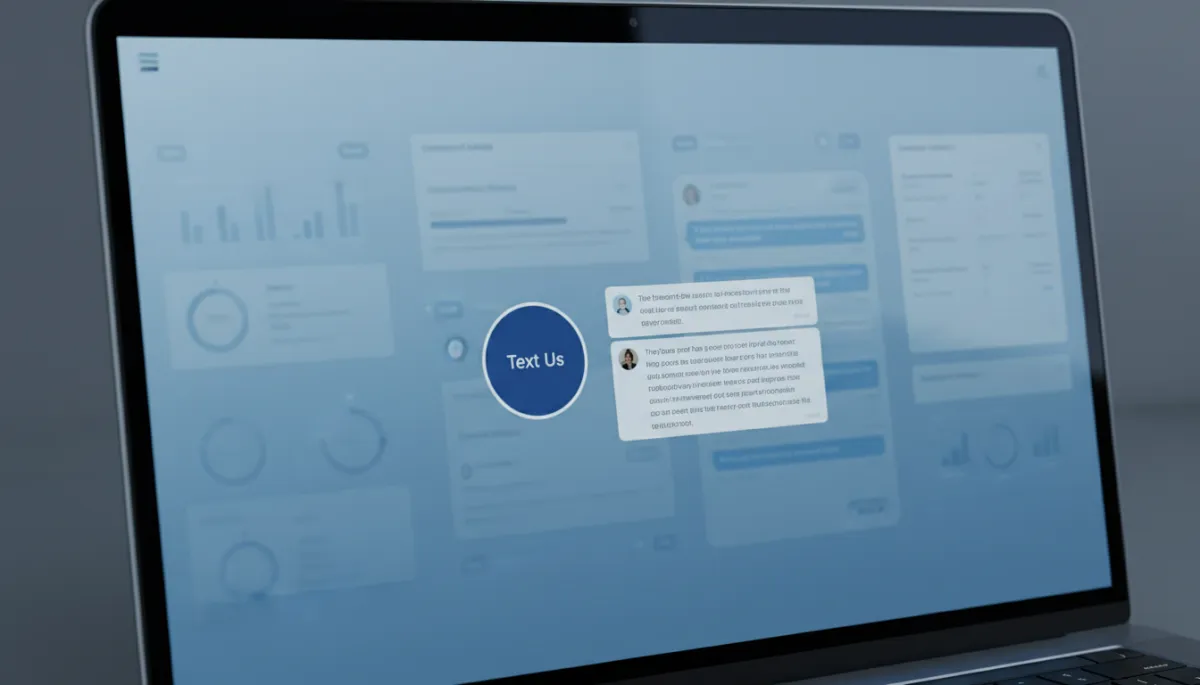
Prominent Text Us buttons convert high-intent visitors into conversations in seconds.
Step 3: Turn On Messaging in Your Google Business Profile
Your Google Business Profile is often the first place prospects see your brand. Enabling messaging here adds another powerful customer communication channel right inside search results and Google Maps.
Sign in to your Google Business Profile and open the Messaging section.
Turn on messaging and connect it to your preferred number or integrated platform.
Customize the welcome message to set expectations for response time.
When those Google-originated messages are routed into Connextion, your team can manage them alongside website and campaign leads, ensuring faster replies and better customer engagement.
Step 4: Add “Text Us” to Email Signatures and Campaigns
Email is still a core channel, but many readers prefer to reply via text. Updating your team’s email signatures extends your Text Us option to every message you send.
Include a line such as “Prefer texting? Text us at (XXX) XXX-XXXX for a faster response.”
Add a clickable text link on mobile-friendly email templates.
Feature your text number as a call to action in outbound campaigns and newsletters.
Each of these touchpoints gives prospects another low-friction way to respond, increasing the volume of inbound business leads you can feed into Connextion’s automated nurturing.
Step 5: Test Every Method and Optimize the Experience
Before promoting your new text channel, thoroughly test each entry point. Text your number from different devices, click the website links, and send a message through your Google Business Profile. Confirm that:
Messages are delivered to the right shared inbox or Connextion pipeline.
Notifications reach the correct team members in real time.
Links, images, and automations triggered by texts work as expected.
Regular testing ensures your customer communication by text remains smooth as your team, campaigns, and tools evolve.
Smart Extras: Quick Replies and After-Hours Auto-Replies
Once your “Text Us” channels are live, amplify their impact with automation. Connextion allows you to build quick replies for frequently asked questions—pricing, hours, next steps—so your team can respond in a few taps while still sounding personal and professional.
Set up auto-replies for after-hours so no message goes unanswered. A simple text such as “Thanks for reaching out. Our team will reply after 8:00 AM, but you can book a call here in the meantime” keeps prospects engaged and directs them toward immediate action. These touches reinforce your brand’s responsiveness and significantly boost customer engagement.
A Simple Change That Multiplies Leads and Conversations
Offering a clear, well-promoted Text Us option is one of the simplest upgrades you can make to your marketing and sales process. It meets customers where they already are, reduces friction, and opens the door to more real-time conversations. When those conversations are captured, tracked, and automated through Connextion, they turn into more appointments, proposals, and closed deals.
If you are serious about scaling, do not leave text messaging as an afterthought. Make it visible on your website, active in your Google Business Profile, present in your email signatures, and supported by smart automation. Then measure the lift in customer engagement and business leads over the next 30–60 days.
📌 Next Step: Connect your text number to Connextion and turn every inbound message into a guided journey from first contact to closed client. Book Your Discovery Call Today to see how quickly a simple “Text Us” upgrade can transform your pipeline.