
Build a Simple Lead Tracker So No Customer Falls Through the Cracks
Sales, Lead Tracking, Client Management
How to Build a Simple Google Sheets Lead Tracker That Grows Your Client Base
For growing businesses and agencies, every lead represents potential revenue. Yet many teams still juggle prospects across email threads, sticky notes, and scattered spreadsheets. A simple, effective lead tracker—especially one built in Google Sheets—can transform your Lead Tracking, Follow Up Process, and overall Sales Pipeline into a predictable engine for growth.
Why a Simple Lead Tracker Matters More Than a Complicated CRM
Complex tools are only powerful if your team actually uses them. Many businesses invest in full-featured CRMs, only to find that reps revert to their own spreadsheets or, worse, keep everything in their heads. The result is missed opportunities, inconsistent Client Management, and a Sales Pipeline that is impossible to forecast with confidence.
A simple Google Sheets Tracker lowers the barrier to adoption. It is accessible, familiar, and easy to share across your team. When designed well, it provides a single source of truth for Lead Organization, current deal status, and next steps—without overwhelming your staff with unnecessary fields and features. The objective is not to build the most sophisticated system, but the one your team will consistently maintain.
💡 Pro Tip: Start with a lean lead tracker in Google Sheets, prove its value with your team, and then connect it to automation platforms like Connextion when you are ready to scale.
The Core Elements of an Effective Lead Tracking Sheet
Before you open Google Sheets, clarify what you must track to manage leads effectively. For most businesses and agencies, a strong lead tracker includes:
Lead details: Name, company, contact information, and source of the lead.
Sales Pipeline stage: Where the lead currently sits (e.g., New, Contacted, Qualified, Proposal Sent, Closed Won, Closed Lost).
Follow Up Process fields: Last contact date, next follow-up date, and primary communication channel (email, phone, SMS, social).
Owner and priority: Which team member is responsible, and how urgent the opportunity is.
Value and notes: Estimated deal value and key context that shapes your approach.
With these elements in place, your Google Sheets Tracker becomes more than a contact list; it becomes a live map of your Sales Pipeline and a daily action list for your team.
Step-by-Step: Building Your Lead Tracker in Google Sheets
Step 1: Create Your Sheet and Define Columns
Open Google Sheets and start a new blank spreadsheet. In row one, create your headers. A simple structure might include:
Lead ID
First Name / Last Name
Company / Organization
Email / Phone
Lead Source (website, referral, ad campaign, event, etc.)
Pipeline Stage
Last Contact Date
Next Follow-Up Date
Owner (assigned rep)
Deal Value (optional)
Notes
Freeze the top row so your headers remain visible as you scroll. This simple step makes daily Lead Tracking far more efficient, especially as your list grows.
Step 2: Standardize Your Sales Pipeline Stages
Next, define your Sales Pipeline stages clearly and keep them consistent across your team. For example:
New Lead
Contacted
Qualified / Discovery Call Booked
Proposal Sent
Negotiation / Review
Closed Won / Closed Lost
Use Data > Data validation in Google Sheets to create a drop-down list for the Pipeline Stage column. This keeps your Lead Organization clean and makes reporting much easier. When everyone uses the same language for stages, you can quickly see how many leads sit at each point in the funnel and where deals tend to stall.
Step 3: Build a Follow-Up System into the Sheet
The power of your Google Sheets Tracker lies in its ability to drive consistent action. To support a disciplined Follow Up Process, you can:
Format the Next Follow-Up Date column as a date and make it mandatory for any lead that is not Closed Won or Closed Lost.
Use conditional formatting to highlight leads whose next follow-up is today or overdue. For example, cells with a date before today can turn red, and cells equal to today can turn amber.
Create a filter view that shows only leads assigned to each owner and sorted by Next Follow-Up Date. This becomes your team’s daily call and outreach list.
With these simple rules, your lead tracker evolves into a practical task manager. Reps no longer ask, “Who should I call today?”—the sheet answers that question instantly, and your Client Management becomes more proactive and reliable.
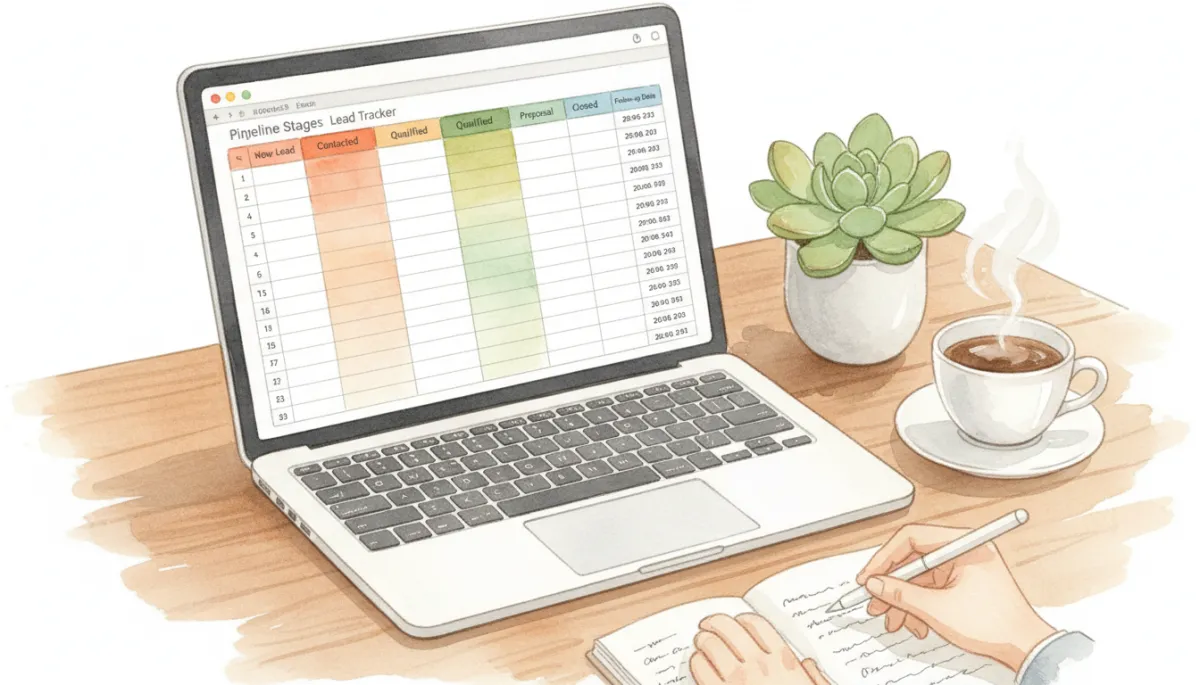
Color-coded follow-up dates turn your lead tracker into a clear daily action plan.
Step 4: Add Simple Metrics and Views
Once your foundational Lead Tracking structure is in place, add a summary tab for quick insights. Using basic formulas and pivot tables, you can track:
Number of new leads added this week or month.
Leads by source, to see which channels perform best.
Pipeline value by stage, to forecast revenue more accurately.
Conversion rates from stage to stage over time.
These metrics do not require advanced analytics. Even simple counts and sums can reveal where your Follow Up Process is strong and where leads are slipping away. When you later integrate with an automation platform like Connextion, these foundational habits make it much easier to build sophisticated dashboards and AI-powered insights.
The Business Impact of an Organized Follow-Up Process
Most leads do not convert on the first touch. Research consistently shows that multiple follow-ups are required before a prospect is ready to buy, especially in B2B and high-value service environments. Without a structured Follow Up Process anchored in your Google Sheets Tracker, it is almost inevitable that promising conversations will fade away simply because no one remembered to reach out again.
An organized system delivers three critical benefits for growing your client base:
Higher conversion rates: When every lead has a clear next step and date, fewer opportunities fall through the cracks, and more conversations progress to proposals and closed deals.
Stronger relationships: Timely, relevant follow-ups signal professionalism and reliability. Prospects feel looked after, not chased, which directly supports long-term Client Management and referrals.
Predictable revenue: A visible Sales Pipeline with accurate follow-up dates allows you to forecast workload, staffing, and cash flow with greater confidence.
📌 Key Takeaway: Growth rarely comes from generating more leads alone. It comes from consistently nurturing the leads you already have through a disciplined, trackable Follow Up Process.
When to Move from Google Sheets to Automation with Connextion
Google Sheets is an excellent starting point for Lead Tracking and Lead Organization, especially for small teams or agencies validating their process. However, as volume scales, manual updates become harder to maintain. Leads arrive from web forms, ads, social media, and referrals at all hours, and your team cannot always respond instantly.
This is where an automation platform like Connextion becomes a strategic advantage. Connextion can capture leads automatically from multiple channels, sync them into your central database, and trigger AI-powered follow-ups via email, SMS, and other communication tools—often within seconds. Instead of manually copying data into your sheet, your team can focus on high-value conversations and closing deals, while the platform ensures no lead is left waiting for a response.
By first mastering a simple Google Sheets Tracker, you build the discipline and clarity needed to get full value from automation. Your stages, fields, and Follow Up Process are already defined. Connextion then amplifies that structure, giving you seamless multi-channel communication, transparent reporting, and scalable workflows that match your growing client base.
Turning Your Lead Tracker into a Growth Engine
A well-designed Google Sheets lead tracker is more than a spreadsheet. It is a commitment to intentional Client Management: every lead captured, every interaction recorded, and every next step clearly defined. For business owners, sales teams, marketing professionals, and agencies, this discipline is what separates sporadic wins from consistent, scalable growth.
Start by building the simple structure outlined above. Train your team to update it daily. Review your Sales Pipeline weekly to identify bottlenecks and refine your Follow Up Process. As your lead volume increases and your need for speed and automation grows, connect your proven process to Connextion so that capturing, nurturing, and converting leads happens faster—before they slip away to a competitor.
If you are ready to move beyond scattered notes and inconsistent follow-ups, it is time to put a clear, effective system in place. Build your Google Sheets Tracker, then let Connextion help you automate what works so you can focus on strategy, relationships, and closing more clients.
Book Your Discovery Call Today to see how Connextion can integrate with your existing lead tracking approach, streamline your Sales Pipeline, and give your team the tools they need to consistently connect with, capture, and close more clients.